
Built around the work of coaching.
Not a list of modules. Here's what CoachBoost does, grouped by the jobs you actually do across a season.
Prepare
Start each day and each game knowing what matters.
Coach Home
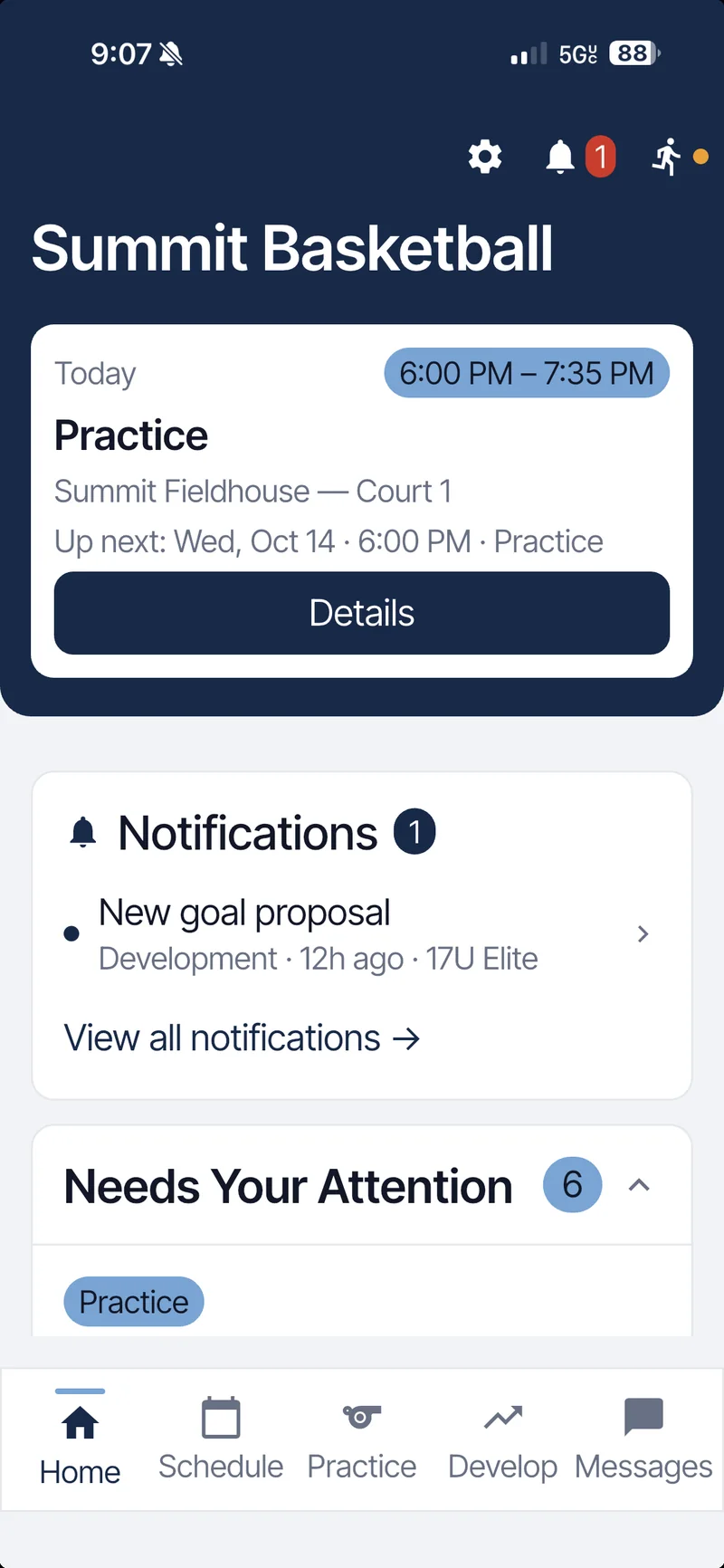
Your daily briefing. Today's event, unread notifications and a Needs Your Attention list with practices to evaluate, goal proposals to approve and recognitions to review. Each item opens the screen where you act on it.
Coach Prep
Staff-only notes for each game, next to your most recent practice and game evaluations.
Schedule
Practices, games and other events by month or day, filtered by team or event type.
Event details
Location, arrival time and the linked practice plan or game prep, all on the event.
Import events
Bring an existing schedule in instead of retyping it.
Plan
Run intentional practices without rebuilding them every week.
Practice Builder
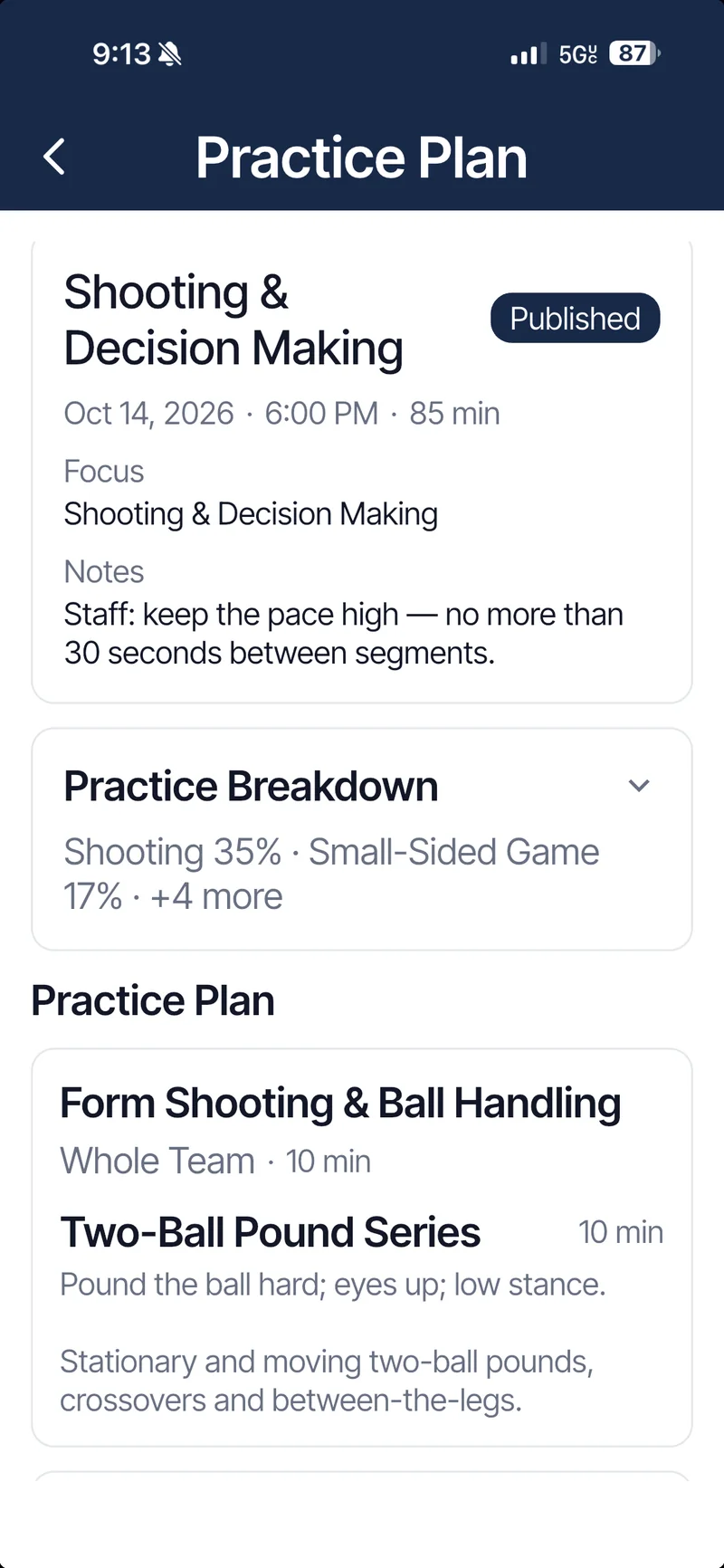
Timed segments, drills, split groups, a teaching focus and staff notes. Publish the plan so players can see it, then run it with a live timer from the sideline.
Drill Library
Your drills organized by category, with durations and coaching cues.
Practice Library
Save any plan as a reusable template and start the next one from it.
Practice breakdown
See the category mix of a session before you run it.
Practice PDF
Send a clean PDF of the plan to your staff.
Develop
Give every player a clear goal and a record of their growth.
Player goals
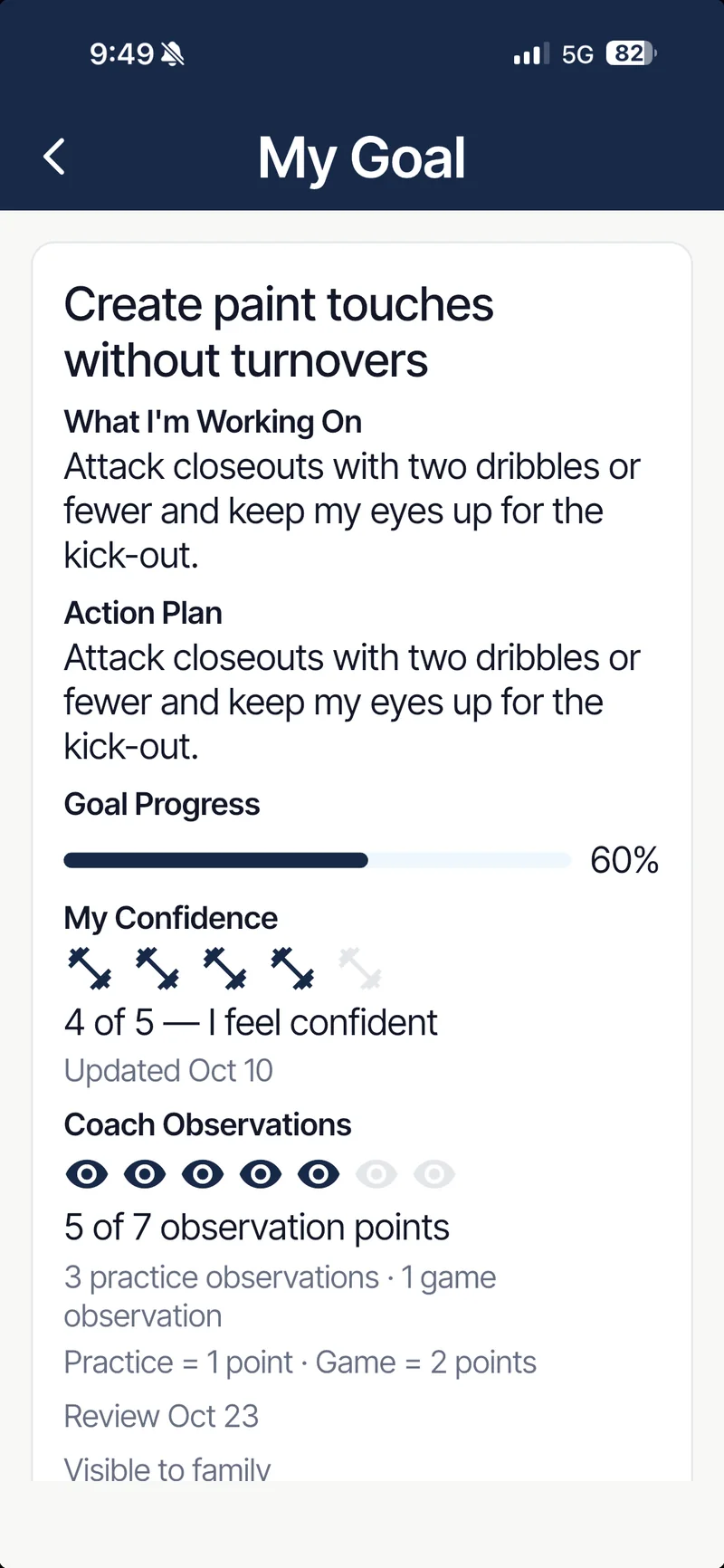
One active goal per player with an action plan and progress. Players propose goals or you assign them; you approve, and players post their own updates.
Coach feedback
Written feedback on a player's goal, kept in a timeline the player can see.
Observations
Practice and game observations add up toward each goal review.
Self-reported confidence
Players rate their own confidence on the goal; you see it next to your observations.
Evaluations and check-ins
Player check-ins and self-evaluations after sessions, plus your reviews.
Measure
See patterns, not just individual days.
Practice Trends
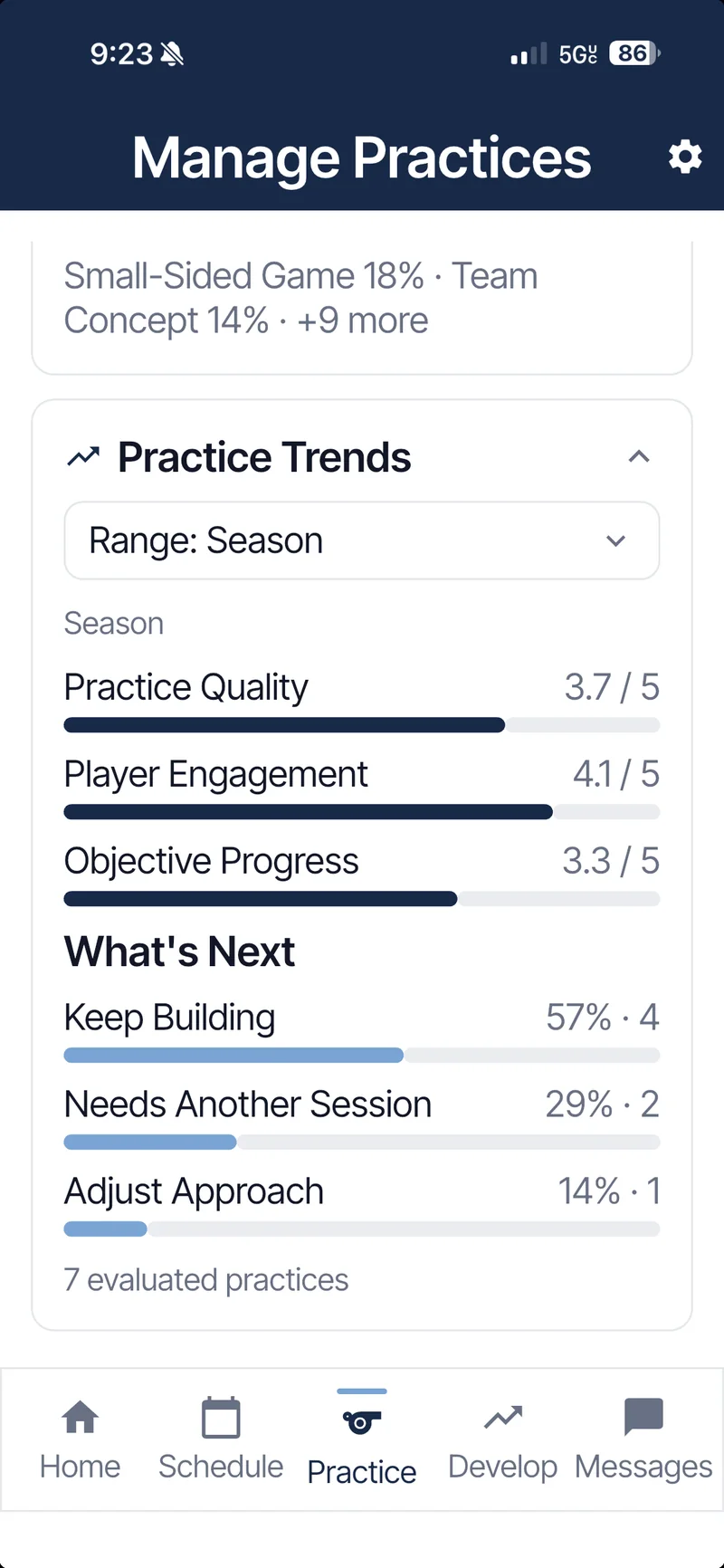
Your post-practice evaluations rolled up over a range you choose: practice quality, player engagement and objective progress, with how often you chose to keep building, run another session or adjust the approach.
Attendance
On time, late, excused and unexcused for every practice, game and event.
Attendance history
Team-wide rates and per-event records across the season.
Practice mix
What your team has actually practiced, by category, over time.
Development roster
Every player's current goal at a glance, and who doesn't have one yet.
Lead
Make your culture visible and repeatable.
Program Standards
Write the standards your program stands for in your own words. Turn standards on or off as your program changes.
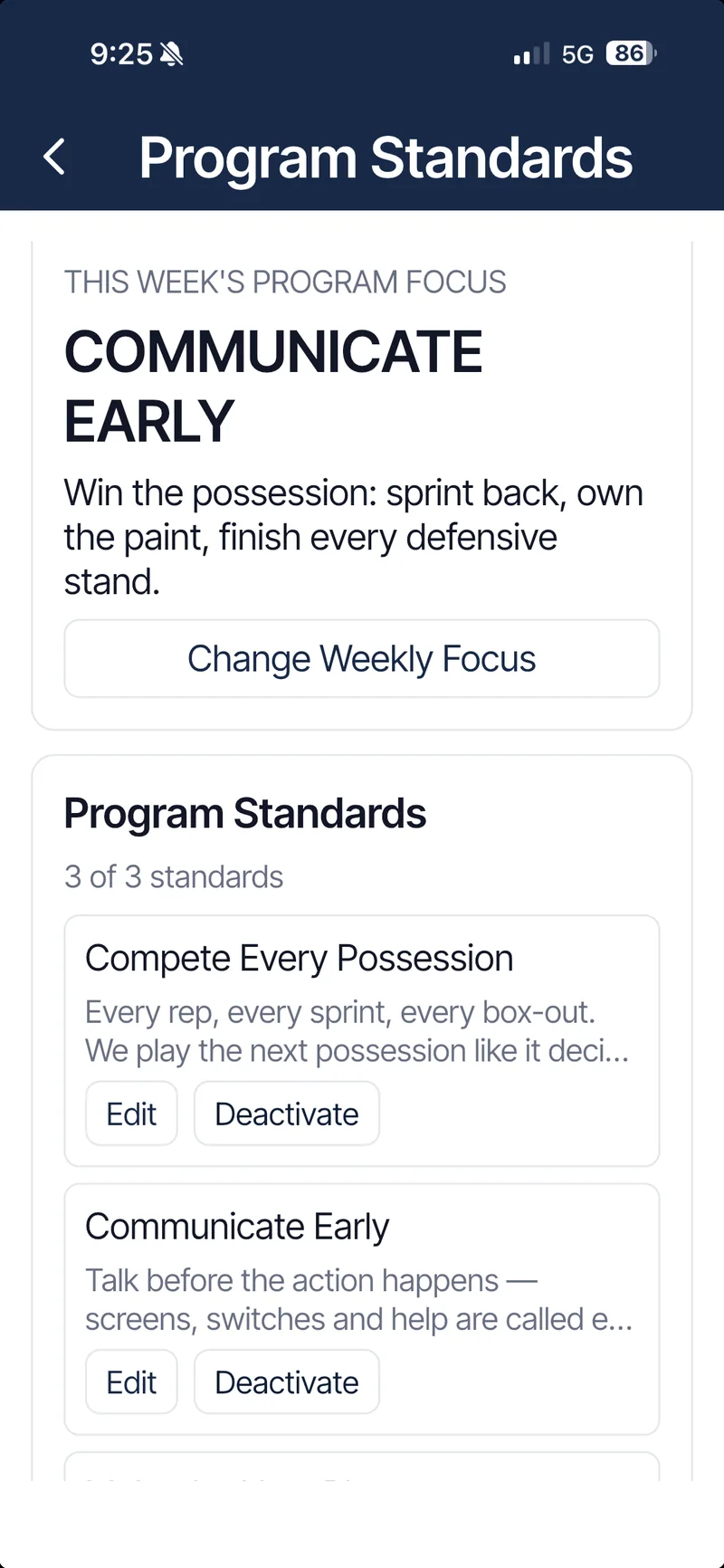
Weekly focus
Pick one standard to emphasize; it appears on every player's Home screen.
Recognition
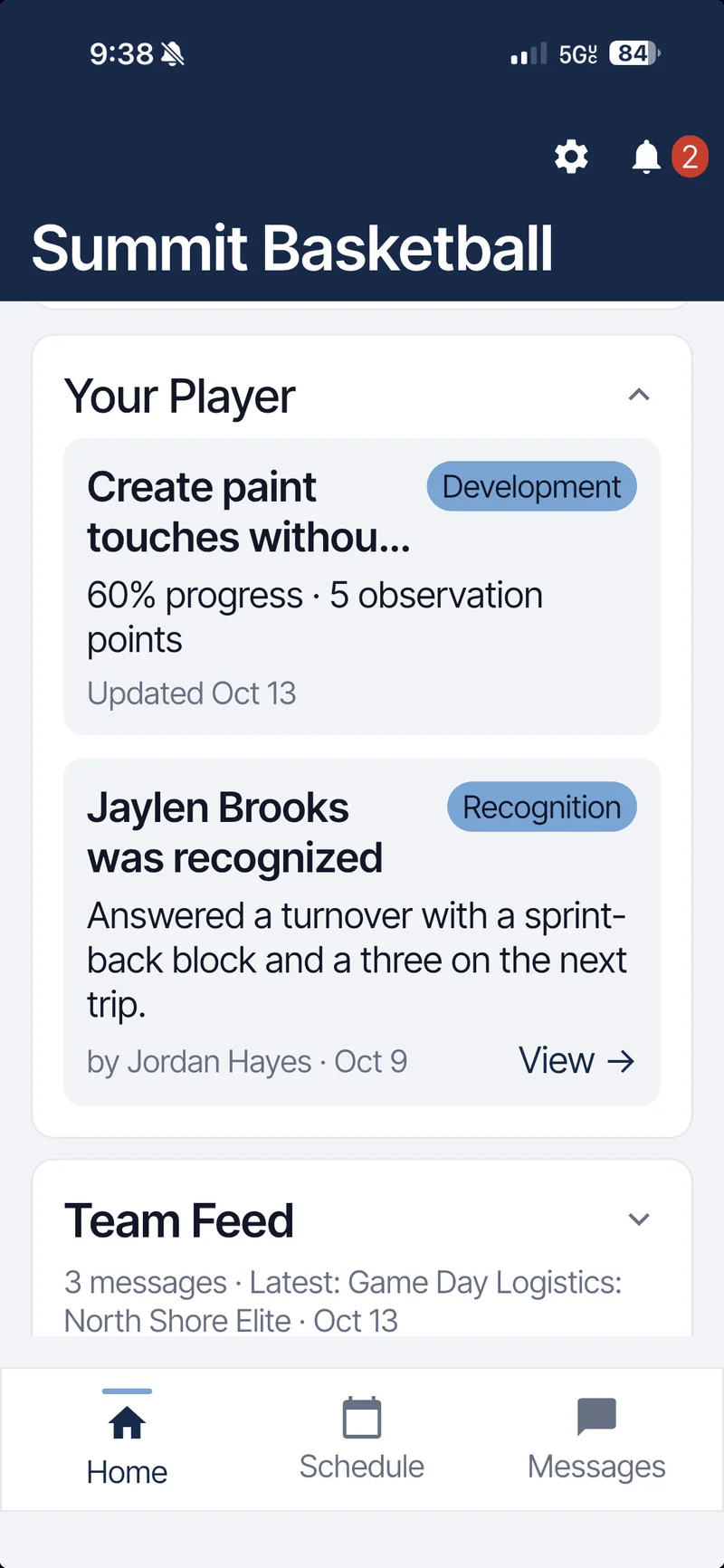
Coaches and teammates recognize players for living a standard. Peer recognition is reviewed before it posts.
Connect
Everyone informed, with the right level of access.
Parent and family view
Families see the schedule, announcements and their own athlete's goal and recognition. Staff notes, evaluations and Coach Prep are never shown to families.
Announcements
Program-wide or team updates to players and families.
Messages
Direct messages with staff, organized in one inbox.
Notifications
Push notifications plus an in-app inbox for schedule changes, feedback and recognition.
Family connections
Parents link with a Family Code the athlete shares and confirms.
Roster and roles
Players, staff and parents, each with role-based access. Join with a team code.
Multiple teams
Up to three active teams per Program, and switch between Programs you belong to.
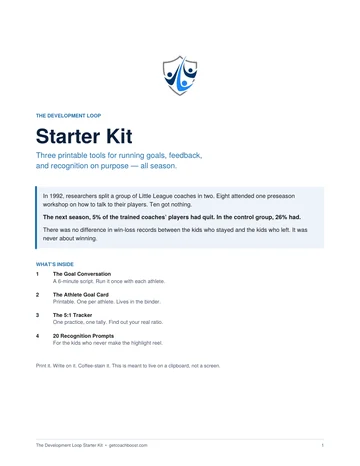
Try it with your program.
Every feature on this page is included in one plan. Start with a 15-day free trial.